Step 1: Connect
Connect to Big Toe on your network - it appears just like your home router.
Select Big Toe from the available network list to connect.
Introducing

The wearable MIDI foot controller that's as small as you need - or as big as you want

Which one is yours?
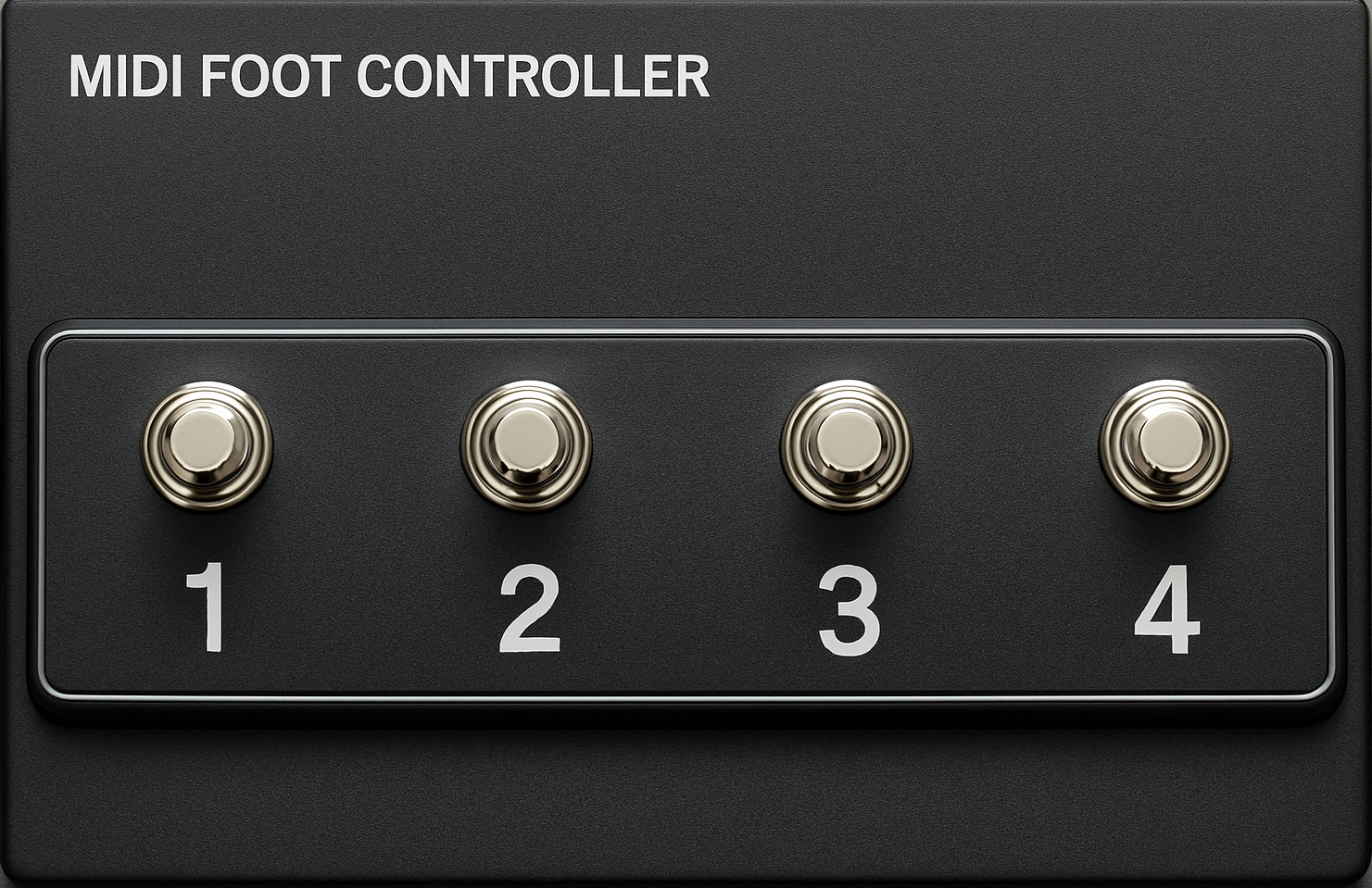
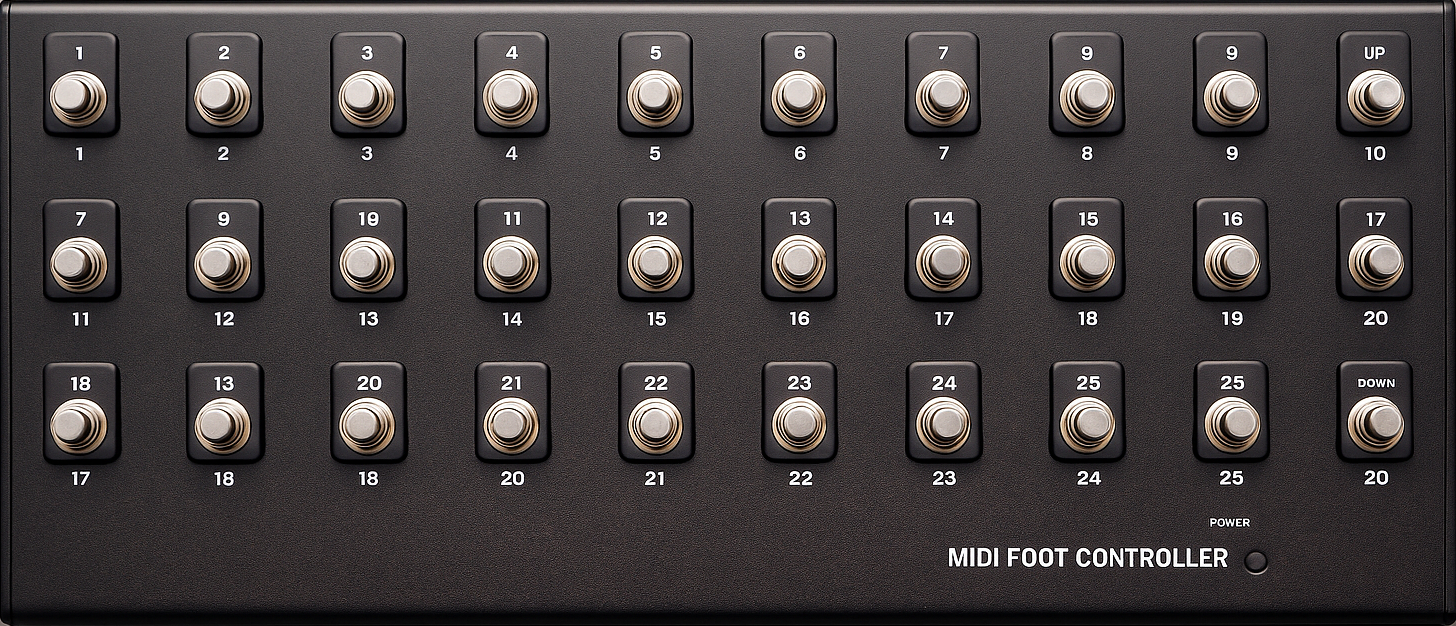
 RFID (Radio Frequency Identification) powers your pedals. Tap a tag, trigger a pedal.Extend with as many controls as you want. Never run out of controls for your looper or DAW.Totally customizable. Use your own images for your on and off screen pedals. Arrange them to match your needs.Intuitive setup and operation. Change settings on the fly with ease. Web based editor doubles as your live monitor AND control surface!It literally fits in your pocket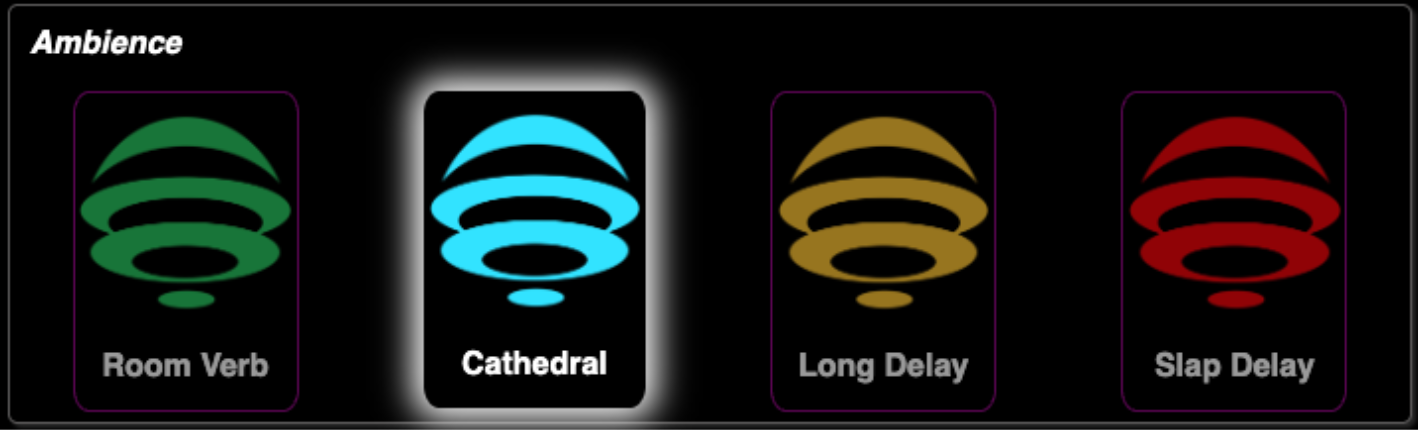
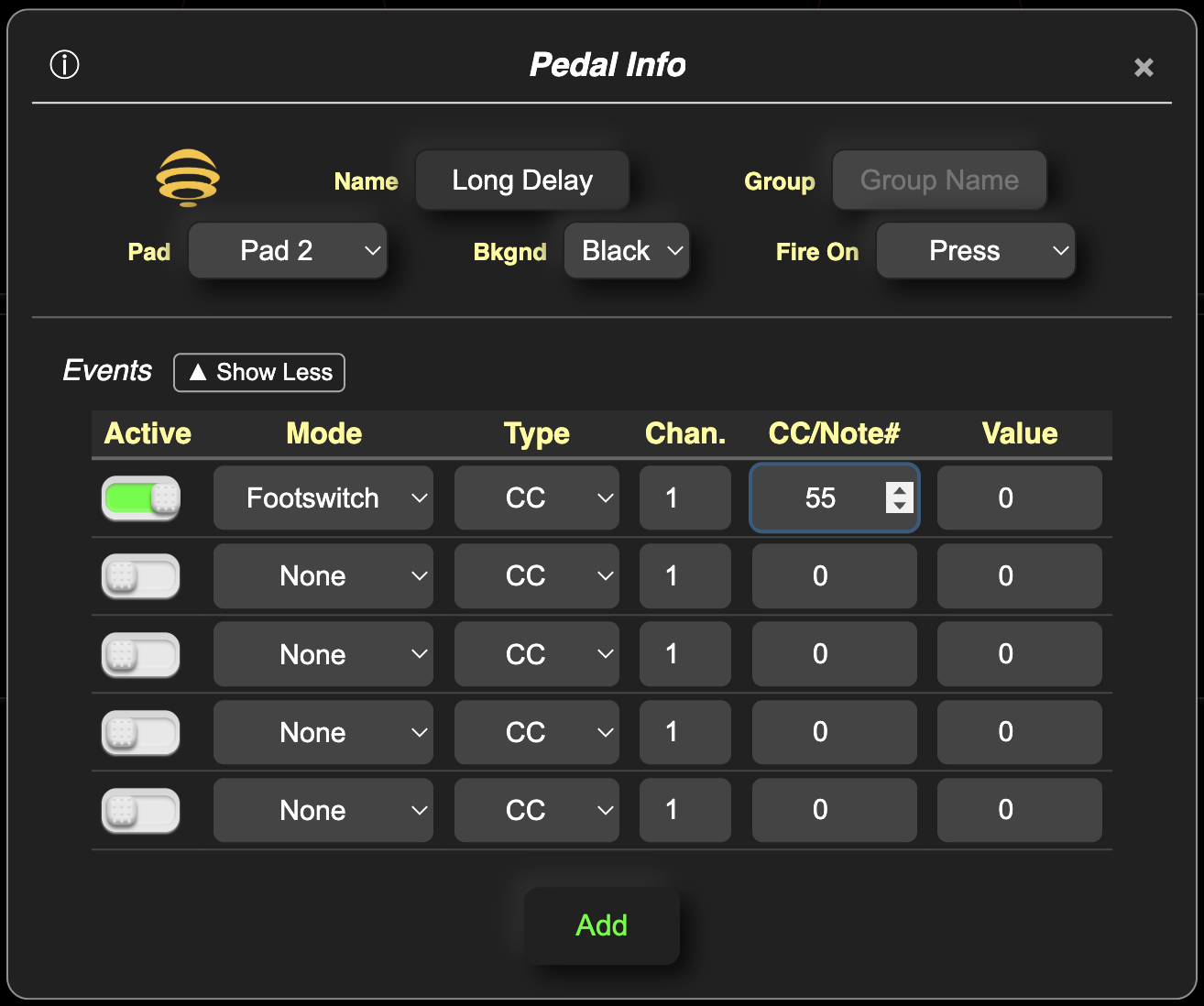
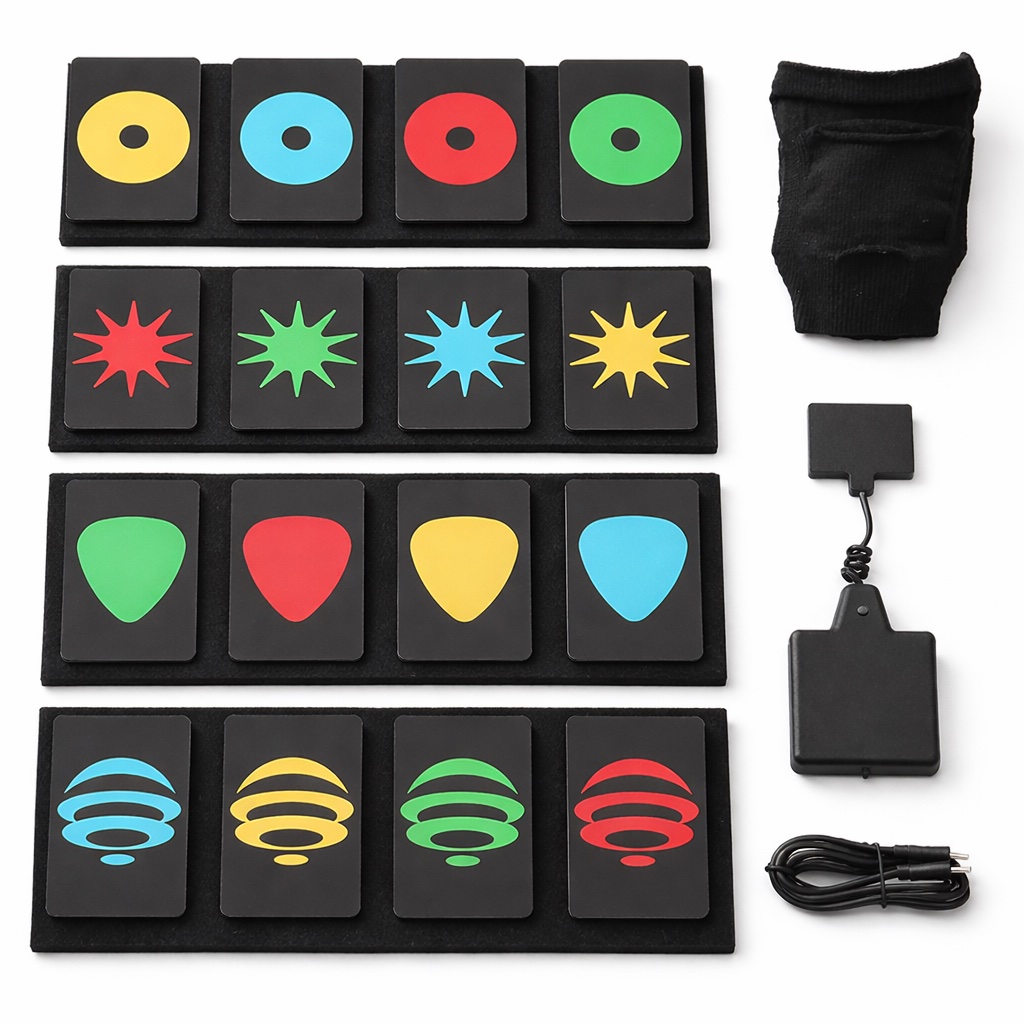 Up to 5 MIDI messages per pedalClassic Footswitch Control (Toggle)Momentary SwitchTrigger ControlExpression ControlMIDI CC, PC and NOTE EventsData BackupSilent operation - No button clicksNaturally Spillproof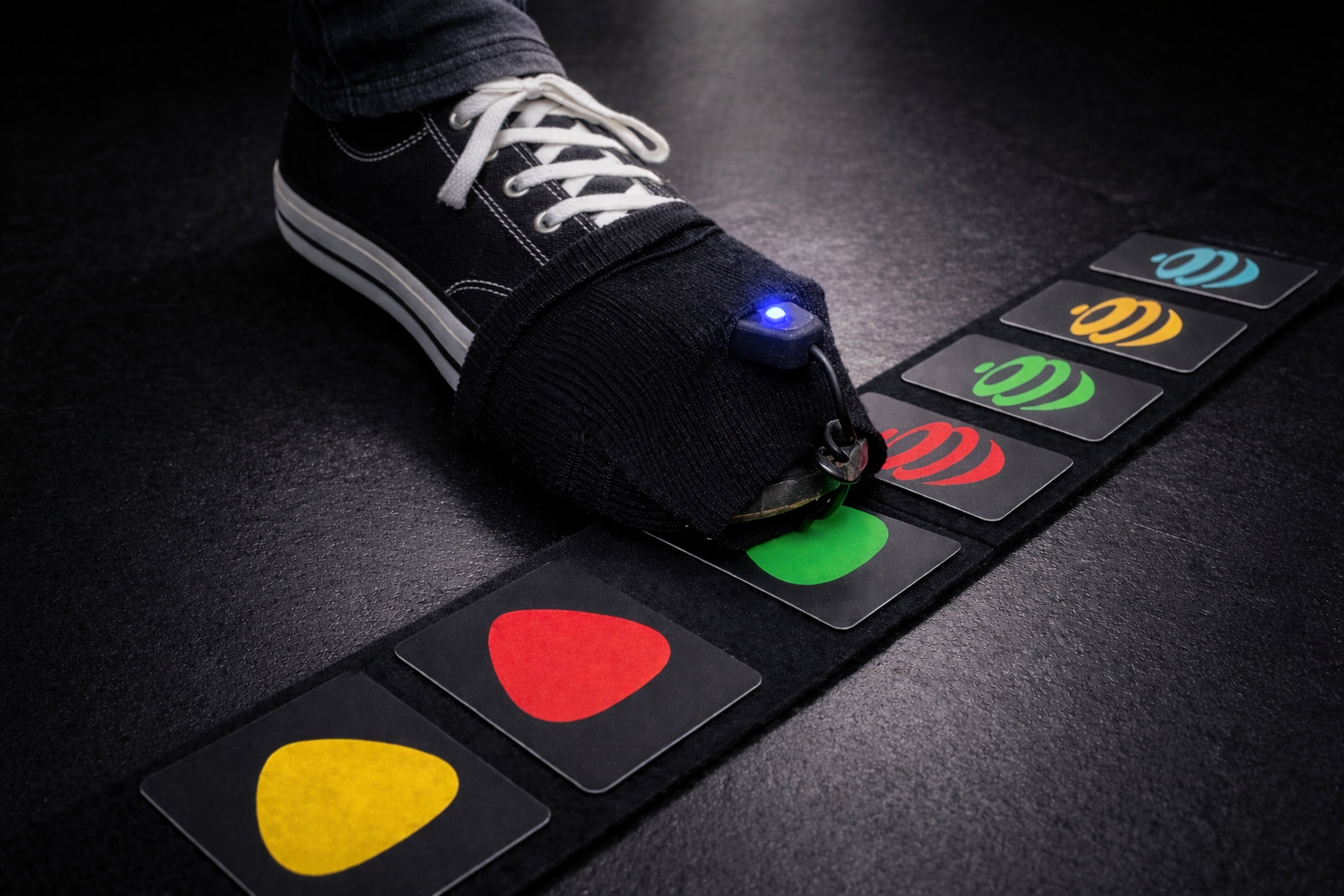
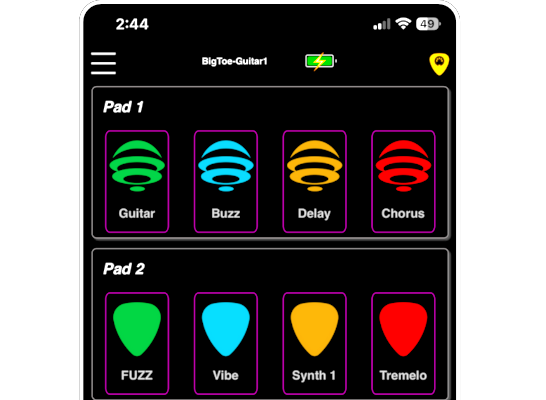
Connect to Big Toe on your network - it appears just like your home router.
Select Big Toe from the available network list to connect.
Open a web browser and type in bigtoe.local
Using the Big Toe editor / monitor, add 'pedals' and assign MIDI events.
Connect MIDI on your phone, tablet, or computer to the Big Toe via Bluetooth.
Use your effects software to link your pedals to your effects.